Apple

How to test a macOS upgrade with your Adobe software

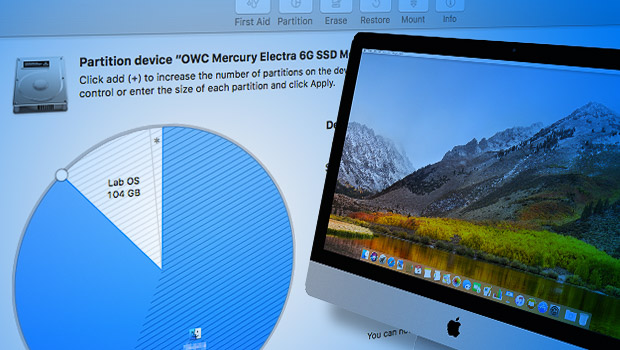
When you’re not sure whether your applications will work with the latest macOS upgrade, you might go online to see if a website can tell you that your software is compatible. But the advice of others can only go so far, because it may not reveal problems related to the specific combination of applications and hardware you use. A better way is to test the new macOS upgrade yourself.

(more…)
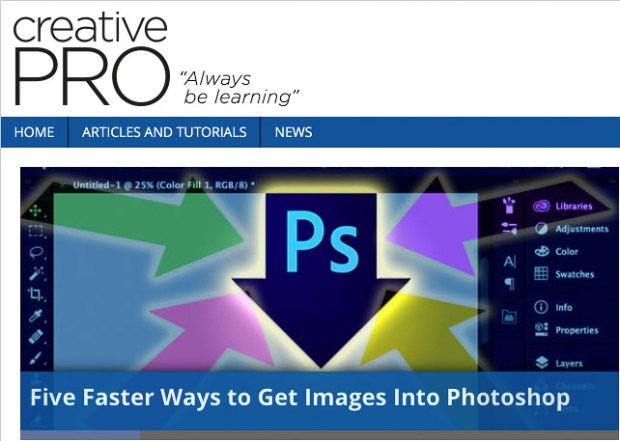
CreativePro article: Five Faster Ways to Get Images Into Photoshop

Five Faster Ways to Get Images Into Photoshop: CreativePro.com article

The Open command and double-clicking aren’t the only ways to get images into Photoshop. Learn new ways to more efficiently open images in Photoshop, individually or several at once, and directly from other applications such as Adobe Lightroom, Apple Photos, and Adobe Bridge instead of having to export and import through the desktop every time. Add new tricks to your toolbox, become more efficient, and open up new creative possibilities.

Read my article at the following link:

Five Faster Ways to Get Images Into Photoshop

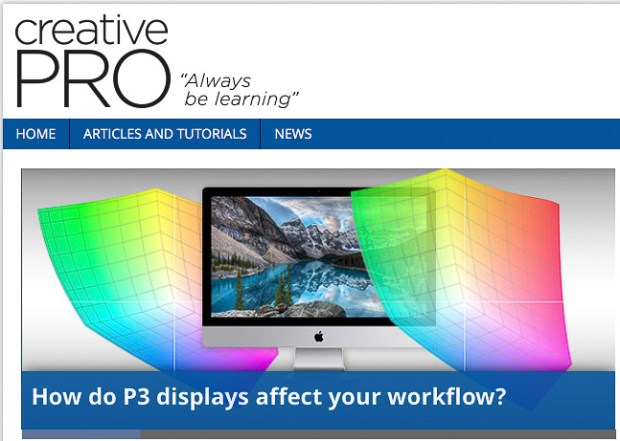
How do P3 displays affect your workflow? — CreativePro.com article

Some new displays use a color space called P3, which is different than the sRGB and Adobe RGB color spaces that designers and photographers have used for years. Is P3 an improvement, or a complication? I answer that question in an article I wrote for CreativePro.

Read my article at the following link:

How do P3 displays affect your workflow?

That article refines the observations about P3 displays that I originally explored in an earlier article on this blog, A look at the P3 color gamut of the iMac display (Retina, Late 2015). I wrote the earlier article when Apple first starting shipping P3 display built into the Late 2015 iMac. Today, Apple includes P3 displays in their top-of-the-line iMacs, MacBook Pros, iPhones, and iPad Pros.

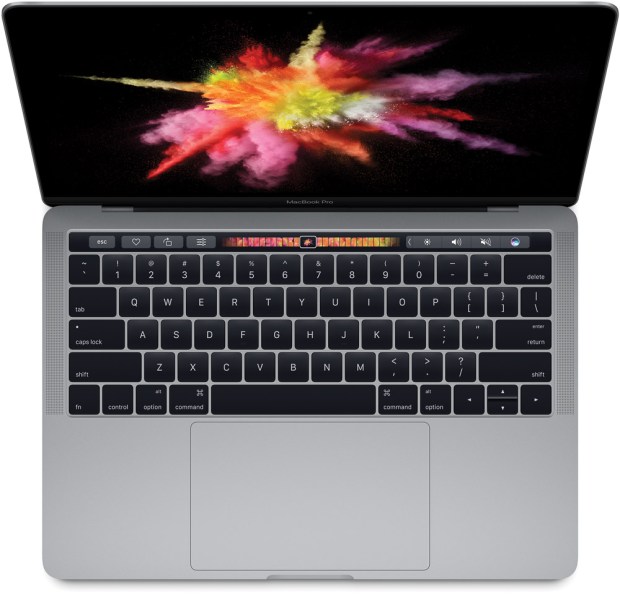
MacBook Pro 2017. Image courtesy Apple Inc.

2016 MacBook Pro: Good for photographers?

How does the 2016 MacBook Pro measure up for photographers? Let’s take a look at some of the changes, and what they mean for photographers and other creative professionals.

(more…)

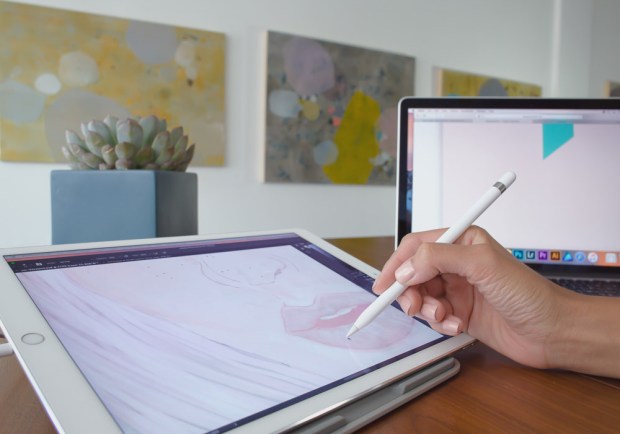
Astropad vs Duet Pro: Two Cintiq challengers

If you’ve wanted to use a mobile tablet as a Wacom Cintiq-like graphics input device for your computer, for a long time Astropad was the app that many turned to (a company called Avatron also offers Air Display for iOS and Air Stylus for Android). Now Duet, Inc. has introduced Duet Pro. These solutions display desktop applications such as Adobe Photoshop and Adobe Illustrator on an iPad, letting you use a stylus on the iPad display to draw or paint directly on the desktop document.

Both Astropad and Duet Pro are much less expensive than a Wacom Cintiq…if you already own an iPad. If you’re deciding which one to use, you’ll need to know the important differences between them.

(more…)