Adobe Lightroom Classic

macOS 14 Sonoma: Will Adobe software work?

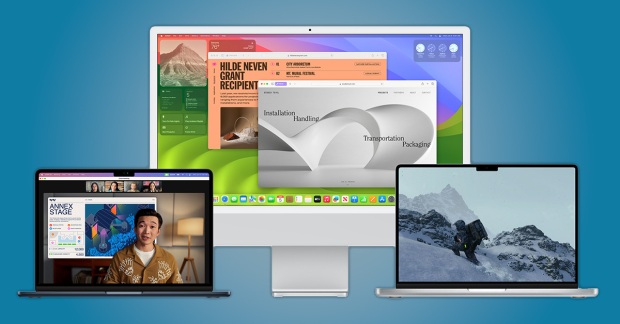
With the September 2023 release of Apple macOS 14 Sonoma, you’re probably wondering if your Adobe software will work in this major annual upgrade to macOS. There isn’t a single “yes” or “no” answer for all Adobe applications; some apps might be OK while others have issues, so this article breaks out compatibility info by application. Also, we don’t usually know everything about compatibility on the first day a new major version of macOS becomes available; that information emerges over time as Apple, Adobe, and other software developers test with the initial 14.0 public release and produce updates with fixes. I’ll update this article as new information comes out.

For more details, or if you have questions about Adobe Creative Suite (CS) software, read on…

(more…)

Faster, cooler, quieter: Export GPU acceleration in Lightroom Classic 11.4

In the Lightroom Classic 11.4 update, one new performance enhancement got my attention: GPU acceleration for exporting. A quick test shows that GPU acceleration can result in faster multi-file exports that use computer resources more efficiently on less power, which in turn produces less heat and fan noise, potentially improving battery life.

(more…)

Printer profiles missing on macOS: A permanent solution

Many Mac users find that the ICC profiles for their printer stop appearing in applications such as Adobe Lightroom Classic and Adobe Photoshop. They’re often advised to delete and reinstall the printer, or to reset the macOS printing system, but in some cases the problem comes back and they have to delete and reinstall the printer again. That gets old fast, so I worked out a way to resolve this issue permanently.

(more…)