
I revised the Adobe Photoshop Classroom in a Book for the 2025 release of Photoshop, and the book is now coming off the presses! This is the tenth edition of the Photoshop Classroom in a Book that I’ve updated. A 35% discount code is available later in this article.
The Classroom in a Book series is tutorial-based; you can follow along using downloadable lesson files. Fifteen project-based lessons lead you step-by-step through key Photoshop techniques. You’ll learn how to correct, enhance, and distort digital images, create image composites, and prepare images for print and the web.

Classroom in a Book focuses on tutorials that provide a foundation for certain key skill sets, so it isn’t a comprehensive reference book about Photoshop. It’s a great book for beginners, or for those who haven’t used Photoshop in a while and need to catch up with how the fundamental Photoshop workflow has changed over the years.
What’s different in this edition?
I updated this edition to be consistent with the changes in the 2025 release of Photoshop that affect fundamental Photoshop workflows. I completely rewrote the last lesson to cover the new generative AI features in Photoshop — not just how to use them, but also addressing some of the questions regarding how Adobe trains its AI and how AI affects rights. I also revised the lesson about reproducing color consistently across displays and media (color management).
Discount code available
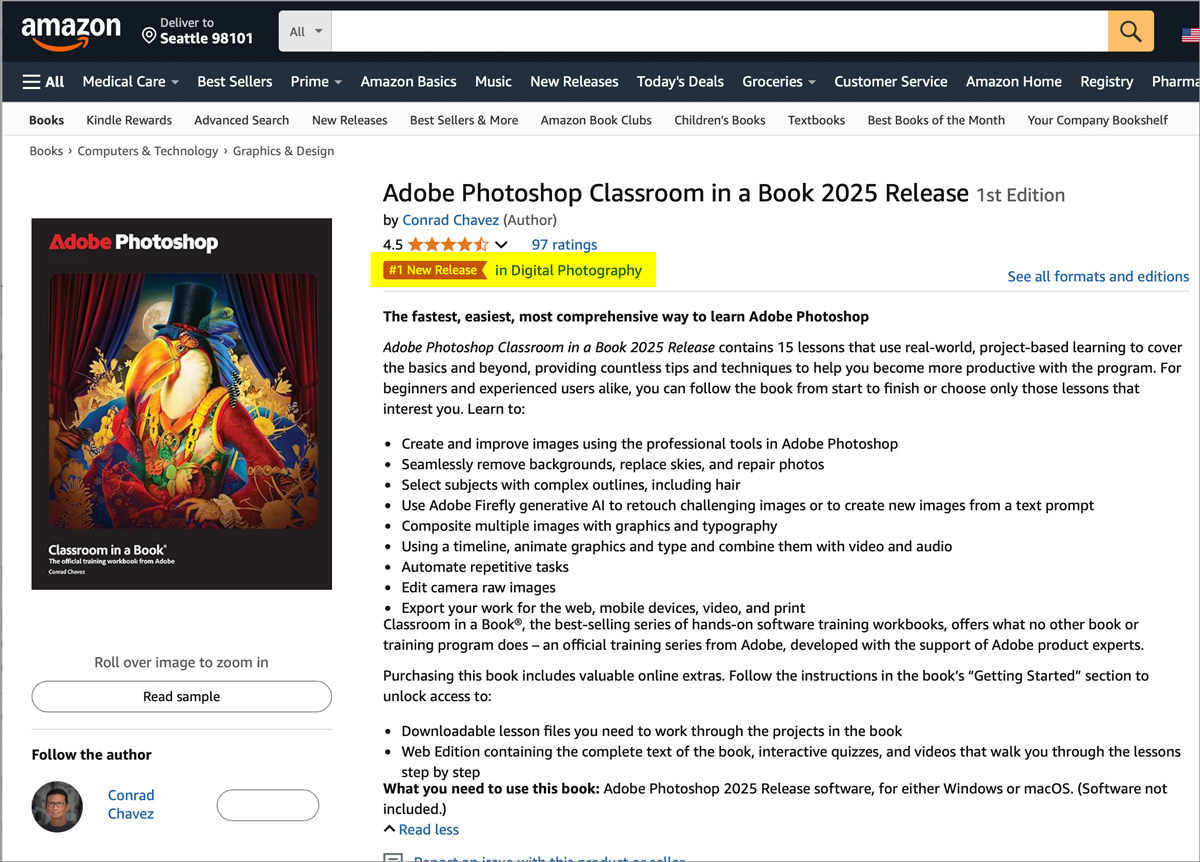
You can order the book from your local bookstore, or buy it online at websites such as Peachpit (save 35% with the discount code on the Adobe Creative Cloud 2025 books page) and Amazon.
I am pleased to find that Amazon lists the book as the #1 New Release in Digital Photography.

 conrad chavez | blog